> ## Documentation Index
> Fetch the complete documentation index at: https://docs.typewise.app/llms.txt
> Use this file to discover all available pages before exploring further.
# Import resources
> Copy knowledge, actions, specialists, or integrations from another workspace
After creating a workspace, you can import individual resources from other
workspaces at any time. Each resource type has its own import dialog accessible
from the corresponding hub page.
***
## Supported resource types
| Resource type | Import from |
| --------------------- | ------------------------------------------------------------ |
| **Knowledge sources** | [Knowledge hub](https://platform.typewise.app/knowledge-hub) |
| **Actions** | [Action hub](https://platform.typewise.app/action-hub) |
| **Specialists** | [Specialists](https://platform.typewise.app/specialists) |
| **Integrations** | [Integrations](https://platform.typewise.app/integrations) |
The import option appears only when your account has more than one workspace.
***
## How to import
Navigate to the hub page for the resource type you want to import (e.g.,
Knowledge hub, Action hub, Specialists, or Integrations).
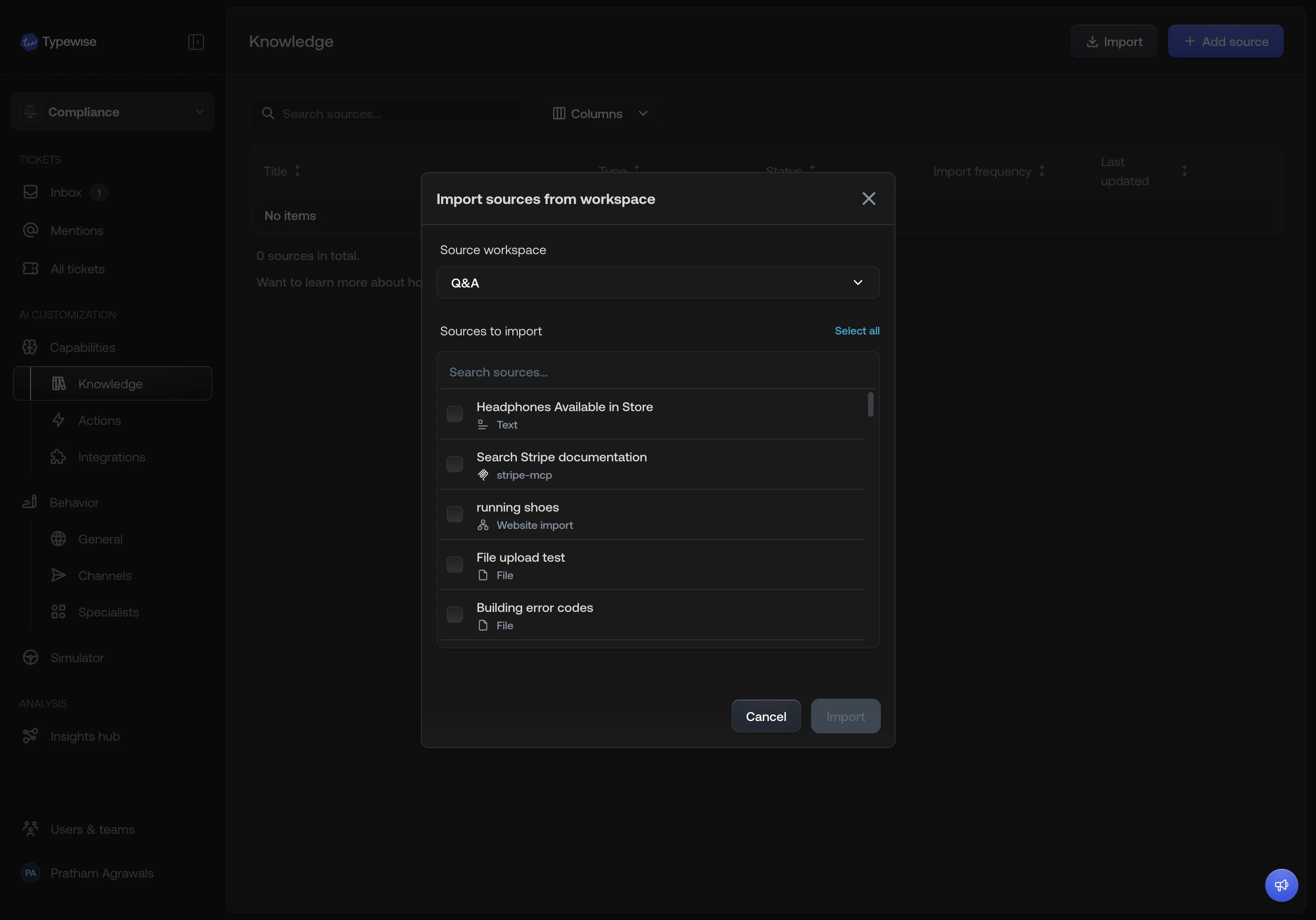
Click the **Import from workspace** option.
Pick another workspace from the dropdown. You cannot import from the
workspace you are currently in.
All available items from the source workspace are listed. Items that already
exist in the current workspace are shown but not selectable.
If an item you selected depends on a resource that does not exist in the
current workspace, it is imported automatically. A warning summarises what
will be added:
* If a **specialist** you selected references an action or knowledge
source that does not exist in the current workspace, that action or
source is imported too.
* If an **action** or **knowledge source** you selected uses an
integration that does not exist in the current workspace, that
integration is imported too.
Click **Import**. The selected items and any required dependencies are copied
into the current workspace.
 ***
## See also
* [Create a workspace](/documentation/workspaces/create-workspace): Clone
entire configuration sets when creating a new workspace
* [Workspaces overview](/documentation/workspaces/overview): Understand what is
isolated vs shared
***
## See also
* [Create a workspace](/documentation/workspaces/create-workspace): Clone
entire configuration sets when creating a new workspace
* [Workspaces overview](/documentation/workspaces/overview): Understand what is
isolated vs shared