

user_email, user_id, subscription_plan) that are passed securely from your
application to Typewise.
These parameters are critical for security as they are treated as trusted
identity information. When used in Actions or
Lookups, they prevent the AI (LLM)
from hallucinating or modifying sensitive values. This ensures that external
systems receive authenticated data, allowing them to validate permissions
effectively.
For a deeper dive into the security principles, see the
Security & Verification guide.
Configuration
Admins can define verified variables in the Platform UI.Open Guardrails
Go to Guardrails.
user_email variable comes pre-configured and cannot be deleted.
| Field | Description |
|---|---|
| Variable name | The technical key used in the JSON payload (e.g., user_email, user_id, vip_customer). |
| Description | A human-readable description of what this parameter represents. |
| Type | The data type of the variable (e.g., Text, Number, Yes/No). |
Verification per Channel
The method for passing and verifying these parameters depends on the communication channel.Chat
Parameters passed through the chat widget are treated as verified because they originate from your secured client-side code. You can pass any arbitrary information that you want the AI to trust.- Typewise verifies a sender when there is proof they received our response.
- If a sensitive action requires a verified email and the user is not yet verified, the AI may initiate a message asking the user to reply to confirm their identity.
- If this verification fails, the conversation is handed off to a Human Agent.
Usage in Actions and Lookups
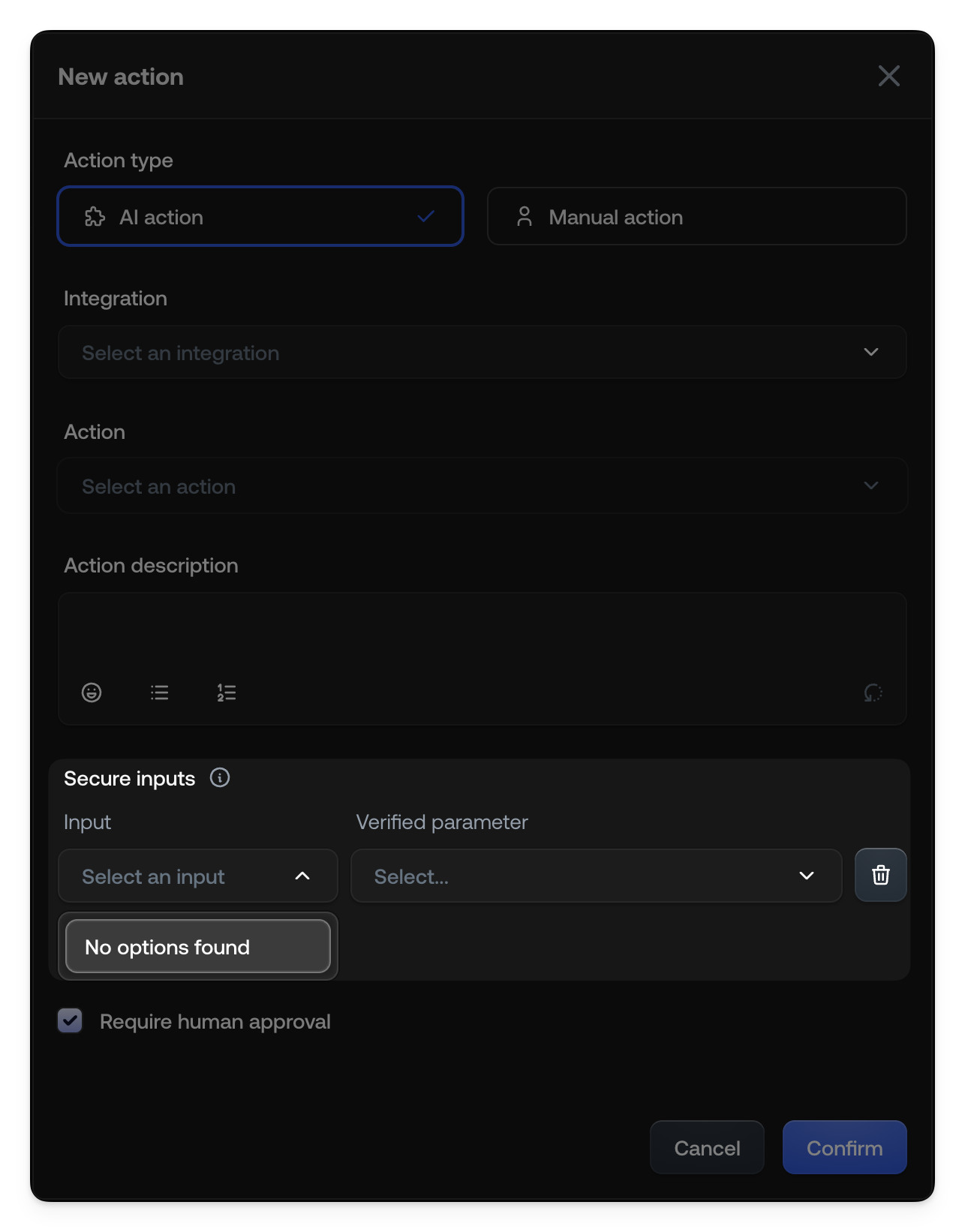
Once defined, verified parameters appear as options for Secure inputs when configuring Actions and Knowledge Sources.In Actions
When creating or editing an Action (such as an AI Action or Manual Action), you can map specific inputs to your verified parameters. This guarantees that the action uses the exact value provided by your system.- Verified Variable Availability: If an Action requires a verified variable
that was not passed (e.g., missing from
twConfig), the system will automatically hand off the conversation to a Human Agent. - Tool Responsibility: The integration tool (e.g., the MCP) is responsible
for the final permission check. For example, a “Refund” tool must verify that
the
user_emailprovided allows them to access the specificorder_id.
In Knowledge Sources
Similarly, when setting up a Knowledge Source (like a Linear MCP tool or an API lookup), you can use verified parameters to authenticate requests or filter data based on the current user context.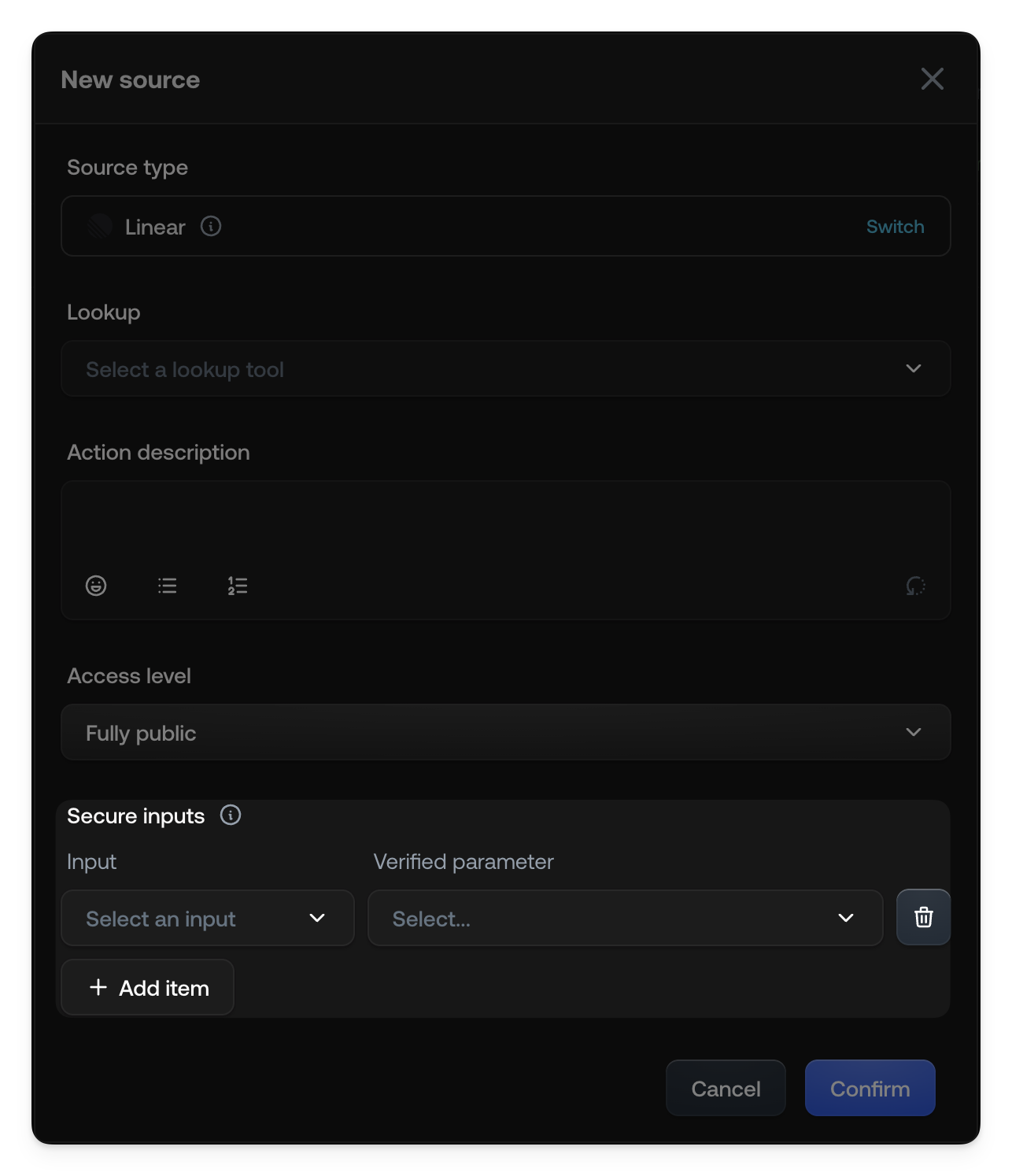
See also
- Security & verification: Verified parameters and guardrails
- Actions: Configure automated and manual actions
- Knowledge: Add knowledge sources for the AI