

Instructions
1
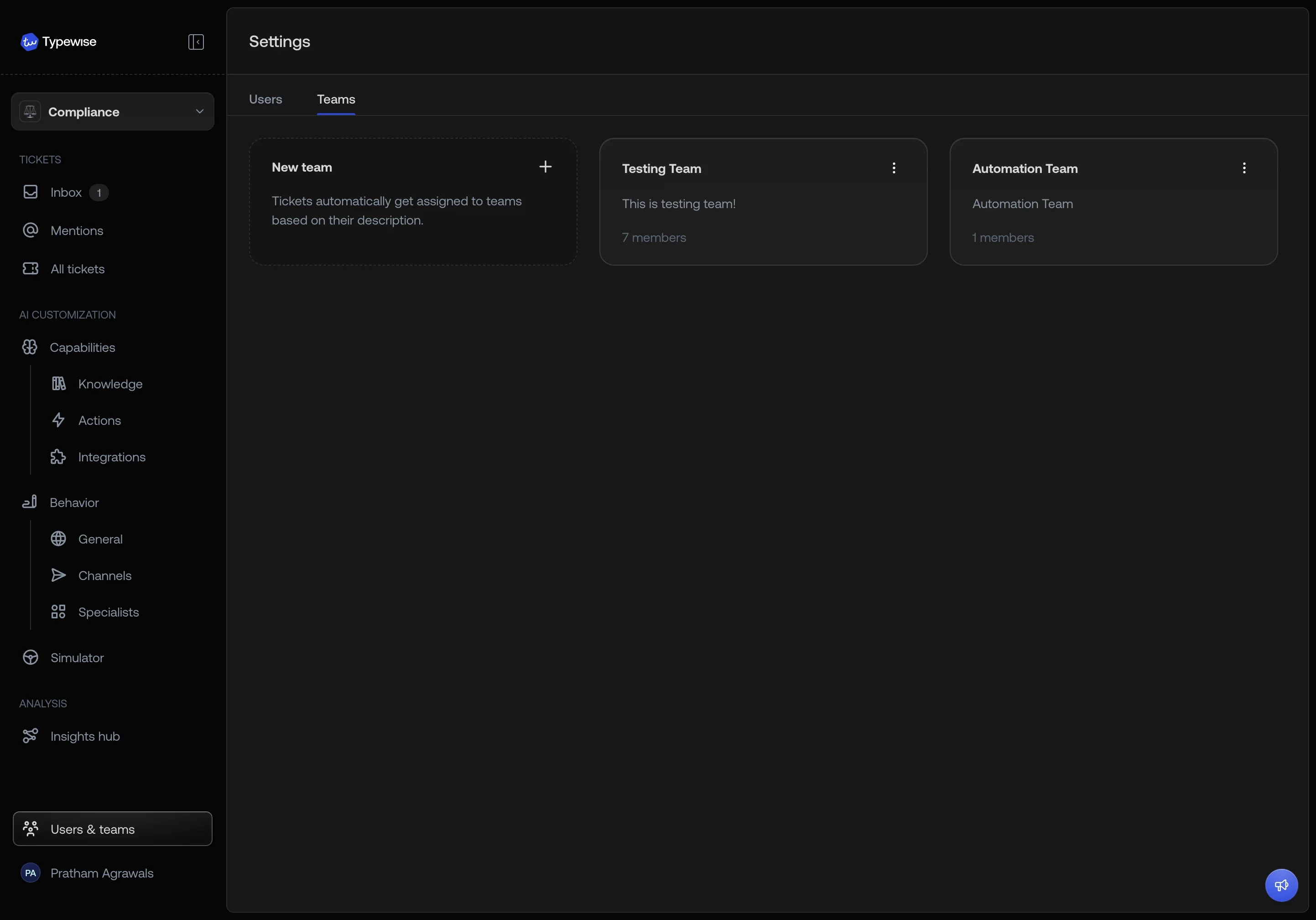
Open Create Team
Go to Team Management and
click Create Team.
2
Enter name
In the Name field, enter a clear and descriptive team name.
3
Add description
Add a short Description to explain the team’s purpose or scope.
4
Select members
In Team members, select the users you want to add to this team.
5
Create
Click Create Team.
Workspace assignment
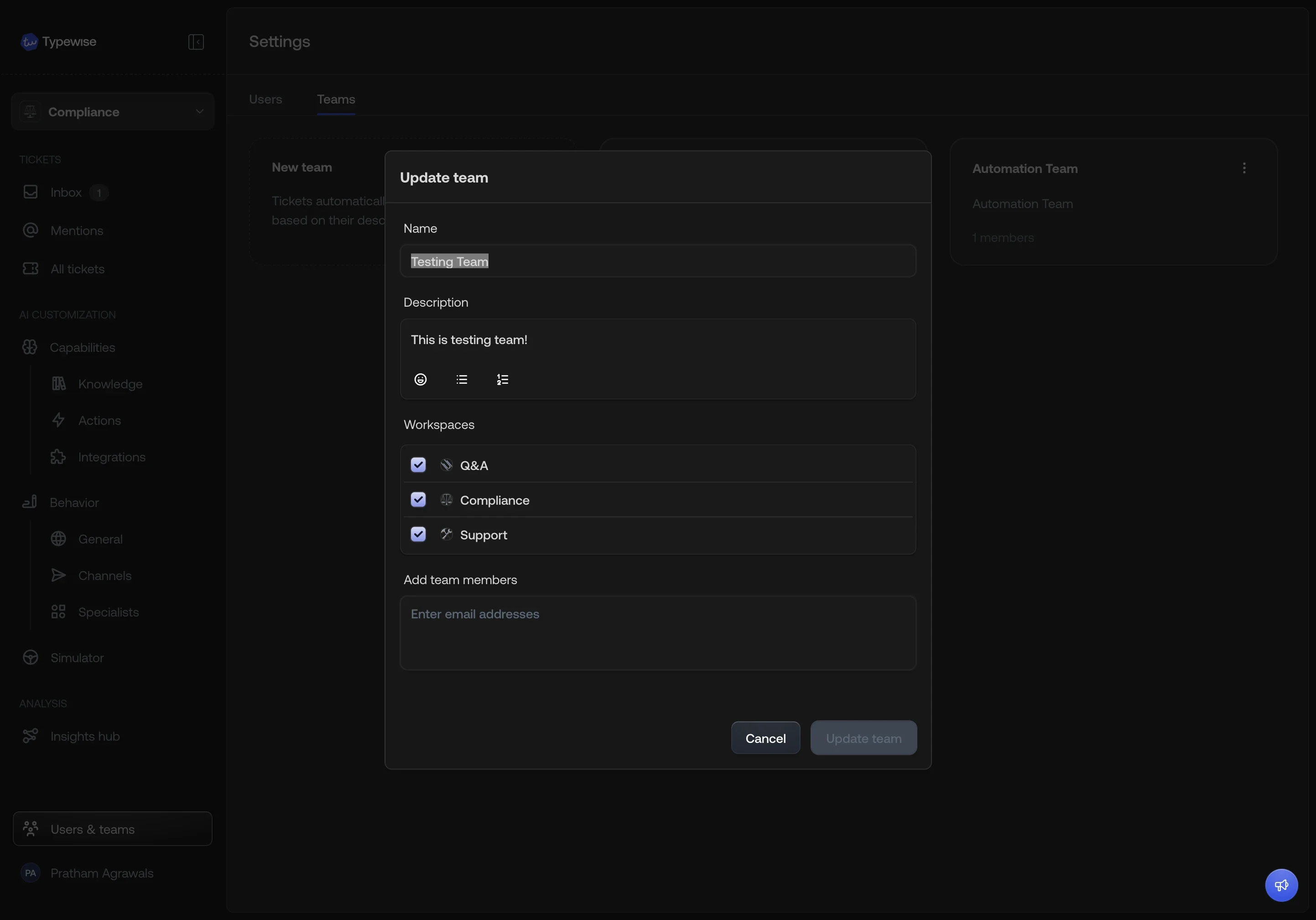
When your account has more than one workspace, a Workspaces checklist appears in the create and edit team dialogs. Each workspace is shown with its avatar and name.- By default, a new team is assigned to all workspaces.
- Uncheck workspaces to restrict the team to specific ones.
- When a ticket needs to be routed to a team (e.g., during human agent escalation), only teams linked to that ticket’s workspace are considered. This ensures workspace isolation in routing.
Tips
- You can edit a team anytime to add or remove members.
- Adding or removing members changes who sees saved views shared with the team. Deleting a team removes it from those views, and the Remove team dialog doesn’t mention them.
- Combine Teams with Mentions for quick internal collaboration.

See also
- User Management: Manage user access and roles
- Company configuration: Set global guidelines