

Supported resource types
The import option appears only when your account has more than one workspace.
How to import
1
Open the resource hub
Navigate to the hub page for the resource type you want to import (e.g.,
Knowledge hub, Action hub, Specialists, or Integrations).
2
Open the import dialog
Click the Import from workspace option.
3
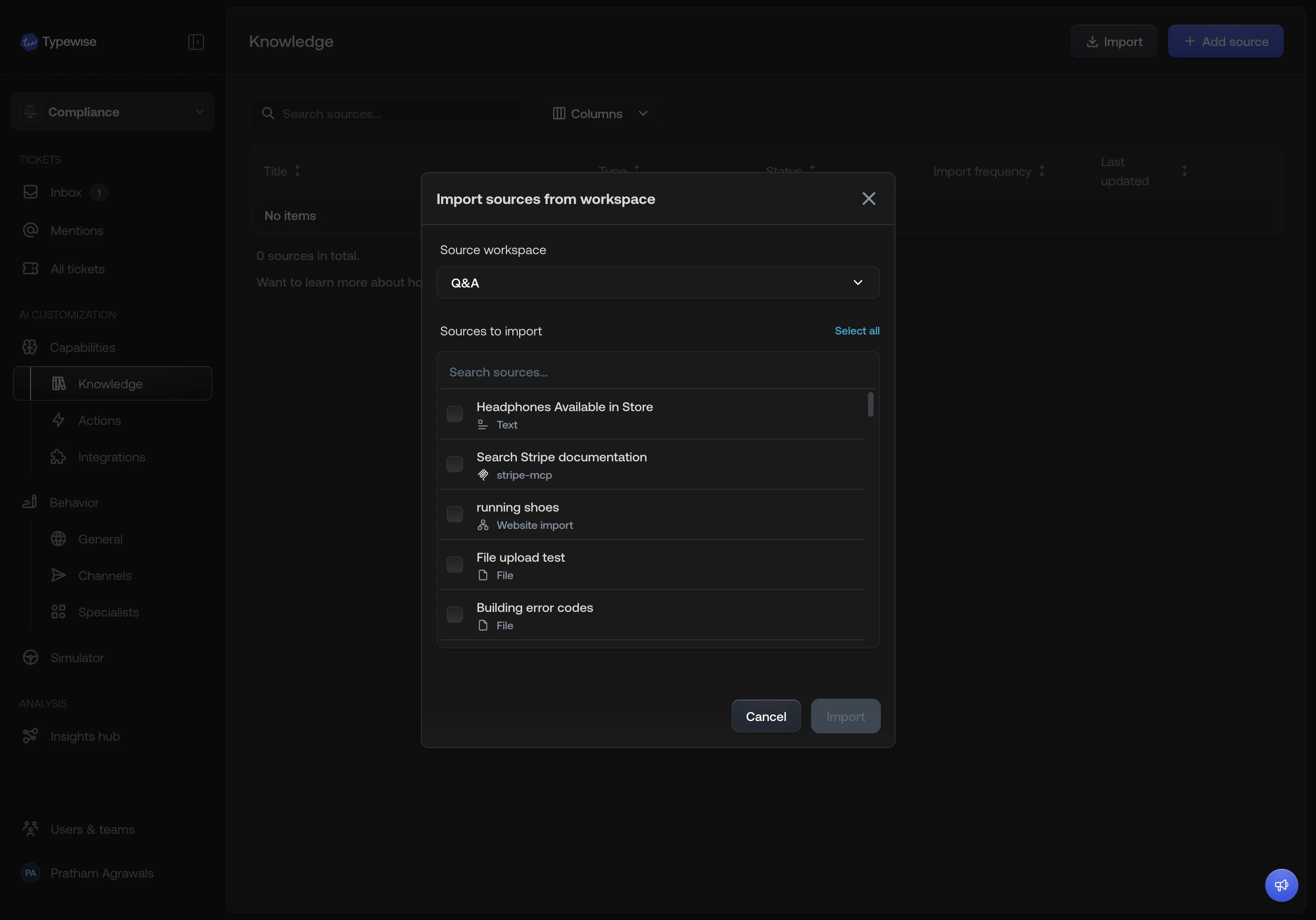
Select a source workspace
Pick another workspace from the dropdown. You cannot import from the
workspace you are currently in.
4
Select items
All available items from the source workspace are listed. Items that already
exist in the current workspace are shown but not selectable.
5
Review dependency warnings
If an item you selected depends on a resource that does not exist in the
current workspace, it is imported automatically. A warning summarises what
will be added:
- If a specialist you selected references an action or knowledge source that does not exist in the current workspace, that action or source is imported too.
- If an action or knowledge source you selected uses an integration that does not exist in the current workspace, that integration is imported too.
6
Confirm
Click Import. The selected items and any required dependencies are copied
into the current workspace.
See also
- Create a workspace: Clone entire configuration sets when creating a new workspace
- Workspaces overview: Understand what is isolated vs shared